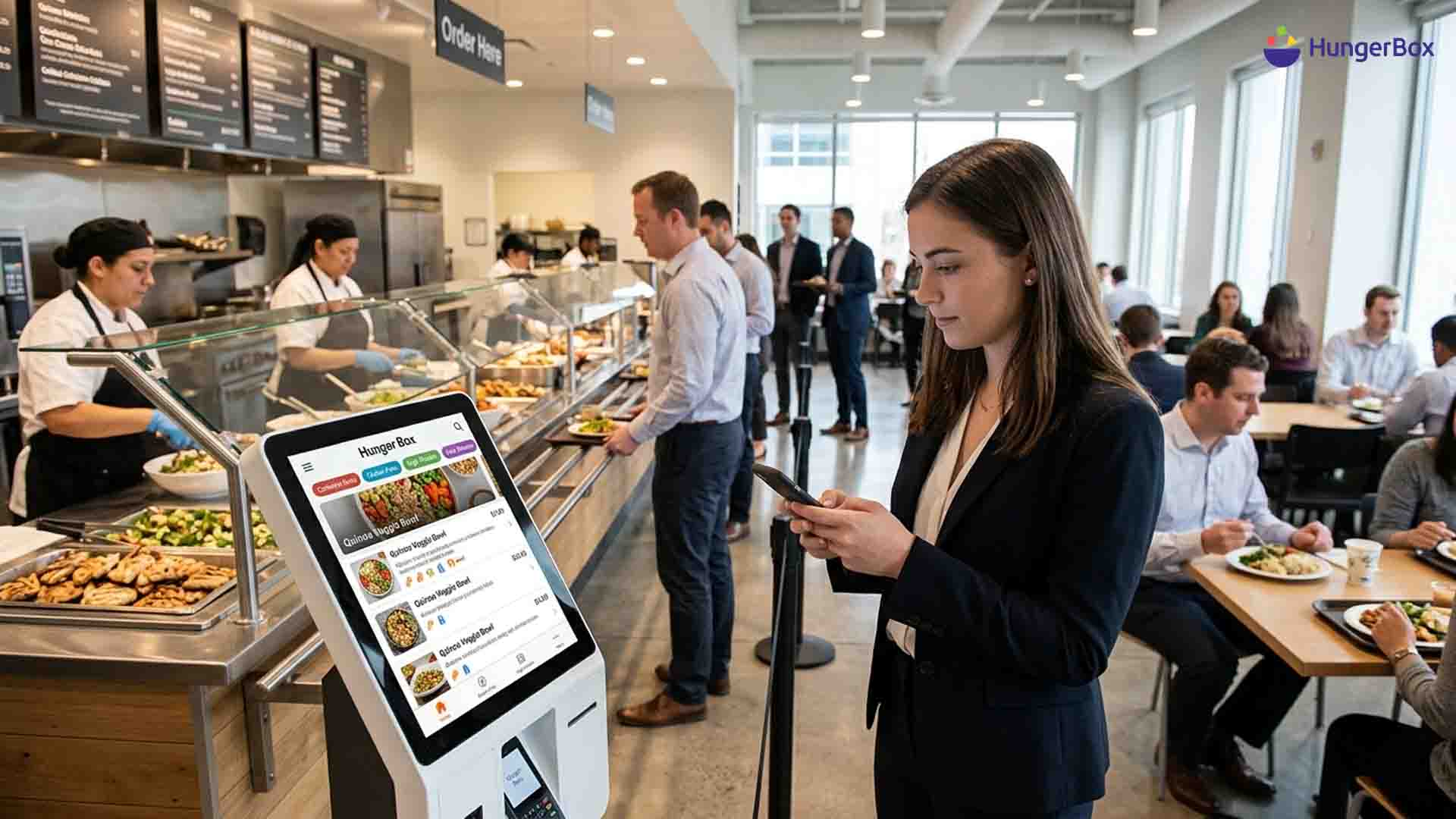
Allergen and Nutrition Tagging in Cafeteria Apps: How It Gets Implemented
Allergen and nutrition tagging in a cafeteria app works by attaching structured labels to every ingredient, rolling them up to each dish, and showing those labels as filters and icons when an employee orders. The tags come from one ingredient master list, and a named owner must update them whenever a recipe or supplier changes.
That sounds simple. In a workplace it rarely is. A single campus cafeteria can run six or eight vendors, each with its own recipes, suppliers and habits. One employee has a peanut allergy, another is counting calories after a health check, a third is vegetarian. All of them expect the app to be right every time they open it.
This guide is for facility and admin heads who run or are choosing a cafeteria app. It covers which allergens and nutrition fields to tag, how to build the tagging in seven steps, how to show it to employees, and how to keep it accurate when a vendor swaps an ingredient on a Tuesday. Most guides on this topic are written for schools or restaurants. This one is written for the shared, multi-vendor kitchens of corporate cafeteria management.
We will also be plain about limits. Tagging reduces risk. It does not remove it.
Key takeaways
- Tag at ingredient level, then roll up to dishes, so one fix updates every menu item.
- Flag "contains" and "may contain" separately.
- Let employees filter by allergen, save a profile and confirm before checkout.
- Give every vendor a named owner and a clear trigger for updates.
- Treat tags as risk reduction, never as a guarantee.
What is allergen and nutrition tagging in a cafeteria app?
Allergen and nutrition tagging means storing allergen, dietary and nutrition data against each ingredient and dish in a cafeteria app, so the app can display it, filter by it and warn employees. It replaces printed menu cards and verbal answers with data that every vendor and employee sees in the same place.
Tagging is one data layer inside a larger system. If you want the full picture first, read what a cafeteria management platform does. Three kinds of tag do the work: allergen tags such as milk or peanuts, dietary tags such as vegetarian or vegan, and nutrition values such as calories per portion.
Which allergens and nutrition fields should a cafeteria tag?
A cafeteria should tag at least the major allergens its local regulator names, a "contains" or "may contain" status for each, a veg or non-veg mark, and calories per portion. In India, the FSSAI list of eight is the sensible starting point.
The allergen list: India, the US and the EU
The list you tag decides what employees can filter. FSSAI's labelling rules cover eight groups: cereals containing gluten, crustaceans, milk, egg, fish, peanuts and tree nuts, soybeans, and sulphite at 10 mg/kg or more. Those rules govern packaged food labels, so treat them as a reference for your cafeteria, not a legal ceiling.
| Region | Rule |
Allergens declared |
| India | FSSAI Labelling and Display Regulations, 2020 | 8 groups |
| United States | FALCPA and the FASTER Act | 9, including sesame |
| EU and UK | EU food information rules and UK equivalent | 14 |
Guidance: if your campus hosts multinational teams, build the tag list from the longest list and let the app show the subset that applies.
"Contains" vs "may contain" flags
"Contains" means the allergen is an ingredient. "May contain" means it could be present through cross-contact, such as a shared fryer or board. FSSAI requires the two to be declared separately on packaged food, and your app should do the same. A single merged tag hides the difference that matters most to a person with a severe allergy.
Nutrition and dietary tags
Store calories, protein, carbohydrate and fat per portion, not per 100 grams, because employees order portions. Add a veg or non-veg mark and any dietary tags you can verify, such as vegan. Healthcare sites usually add therapeutic diet tags on top, which is its own design problem for hospital cafeteria management.
How do you implement allergen and nutrition tagging step by step?
You implement tagging in seven steps: audit recipes, build an ingredient master, map ingredients to allergens, roll tags up to dishes, add cross-contact flags, add nutrition per portion, and publish to the app. The order matters, because every later step depends on the ingredient master being right.
- Audit every recipe. Collect the full ingredient list for each dish from each vendor, including sauces, oils and garnishes. Ask for supplier labels on packaged items. Sauces are where most gaps hide.
- Build one ingredient master. Keep a single list with a unique ID, allergen flags and nutrition per unit for every ingredient. Vendors pick from it instead of typing free text, so "groundnut" and "peanut" never become two records.
- Map ingredients to allergens. Tag each ingredient against your chosen allergen list. Have a food safety lead approve each mapping, not the vendor alone. Packaged items take the allergen declaration printed on their label.
- Roll tags up to dishes. A dish inherits every allergen of every ingredient in it. Automate this step. Hand-tagging dishes is how a changed ingredient slips through.
- Add cross-contact flags. Record shared fryers, boards and prep areas for each counter, then set "may contain" at dish level. This step needs a kitchen walk, not just data entry.
- Add nutrition per portion. Calculate values from the ingredient master and the standard portion size. Label a value as an estimate where portions vary by server.
- Publish to the app and lock the workflow. Push tags to the menu employees see, and make vendors change menus only through the same system. In HungerBox's Kitchen System, vendors update items, prices and availability from one console, which is the natural place for a tag check.
Guidance: expect the audit in step 1 to take longer than the build. It is slow because it exposes recipes nobody had written down.
How should the app show tags to employees?
The app should let employees filter the menu by allergen, grey out dishes that conflict, save their choices as a profile, and show "contains" and "may contain" clearly on every dish. For flagged dishes, it should ask for a confirmation before checkout.
Sage Dining's allergen filter, built for school cafeterias, shows how simple this can be: the user taps the allergens to avoid and the app greys out every dish that contains them. Greying out works better than hiding, because employees can still see what exists.
A few rules keep the display honest:
- Ask for the profile once and apply it to every menu after that.
- Never rely on colour alone. Pair each flag with an icon and a word.
- Show nutrition on the dish card, but keep allergen flags first.
- Make tags readable by a screen reader. HungerBox's user app is built voice-enabled for visually impaired users, and tags should follow that standard.
- Give a way to ask the counter when a dish is unclear.
Trust is fragile. If one tag is wrong, employees stop believing the rest, which is one more reason employees stop using office cafeterias.
Who keeps tags accurate when menus change?
The vendor who changes a recipe owns the tag update, and the cafeteria admin owns the check. Tags stay accurate only when every ingredient change triggers an update before the dish is served, and when someone verifies a sample of dishes on a schedule.
Vendor substitutions
The usual failure is a supplier swap. A vendor runs out of one brand of sauce, uses another, and the app still shows the old allergens. Allergy Facts Australia warns that allergen details in canteen apps can change without the app being updated, and that it is often unclear who is responsible. Settle that question in the vendor contract, not after an incident. Matching deliveries against stock records, as described in how inventory tracking works in a digital cafeteria, helps you spot a swapped item early.
Ownership and daily checks
Give each counter one named person who signs off tag changes. Add a tag check to the opening routine. HungerBox's Wings supervisor app runs 105+ digital checkpoints before every meal occasion, which shows how a check like this can be built into daily operations. When an ingredient changes on the day, mark the dish unavailable or post a visible notice, as some school districts do with laminated alerts.
What a platform can and cannot guarantee
An app displays the data it is given. It cannot taste the food. Universities and school caterers say the same in their own notices: manufacturers can change ingredients, and cross-contact is possible in any kitchen. Say so on your menu screen, and keep a human route open for people with severe allergies.
Where should you start?
Start with the ingredient master, not the app screen. Once every ingredient has an allergen flag and an owner, the filters, icons and nutrition values follow with little effort. Then settle who changes a tag and who checks it. Those two decisions protect employees more than any feature does. To see how a platform handles menu control, compliance checks and ordering together, talk to the HungerBox team.

Frequestly Asked Questions

FSSAI’s Labelling and Display Regulations, 2020 require allergen declarations on packaged food. We did not find a rule that applies the same label to freshly prepared cafeteria meals, so confirm with your licensed vendors and a legal adviser. Tagging prepared dishes is still sound practice and matches what employees expect.
“Contains” lists allergens that are ingredients in the dish. “May contain” lists allergens that could be present through shared equipment or surfaces. Both belong in the app as separate flags, because an employee with a severe allergy will treat them differently.
No. A cafeteria app can only show the data it receives. Ingredient changes, supplier swaps and cross-contact can all make a tag wrong. Use tags to cut risk, state the limits on the menu screen, and keep a staff contact available for severe allergies.
Guidance: review a tag whenever an ingredient or supplier changes, check a sample of dishes weekly, and audit the full menu every quarter. Increase the frequency for vendors with frequent substitutions. The right rhythm is the one that catches changes before service.
The app displays data. The vendor who prepares the food and the operator who runs the cafeteria remain responsible for what is declared. Write the split into your vendor contracts, including who updates tags, how fast, and who signs them off.