Pantry vs Office Cafeteria vs Food Court: Which One Does Your Office Size Need?
An office cafeteria is the right fit for most workplaces between about 100 and 1,500 people, a pantry is enough below roughly 100, and a food court makes sense once you pass about 1,500 or share a campus with other companies.
Those numbers are working rules of thumb, not hard limits. A 400-person office with a hybrid schedule behaves very differently from a 400-person plant running three shifts. But the pattern holds: a setup that fits your headcount feels invisible, and one that doesn't shows up as queues at 1 pm, empty counters, or a pantry shelf nobody restocks.
The choice is easy to get wrong in both directions. Build too much and you carry a kitchen, vendors and staff for a room that's half empty. Build too little and employees leave the building for lunch, which eats into the working day and takes the social side of the office with it.
This guide breaks down what a pantry, an office cafeteria and a food court each actually do, compares them side by side, and walks through four headcount bands so you can see where your office sits. It also covers what starts to break when you outgrow a setup, and five questions to ask before you commit budget.
Key Takeaways
- Under about 100 on-site employees, a pantry is usually enough.
- From about 100 to 1,500 people, an office cafeteria fits best: single-vendor at the lower end, multi-counter at the upper end.
- Above 1,500 people, or on a campus shared with other companies, a food court gives the variety one kitchen can't.
- Size the setup on average daily on-site headcount, not total headcount.
- Lunch queues, subsidy leakage and poor visibility are the first things to break as you grow.
What Is an Office Pantry, and When Is It Enough?
An office pantry is a self-service space with tea, coffee, water and packaged snacks, with no cooked meals and no dedicated kitchen staff. It is enough when fewer than about 100 people work on site and most bring lunch or order in. It stops being enough once lunch becomes a daily need.
The appeal is simplicity. Someone restocks the shelves, someone orders supplies, and that is the whole operation. For a small team, that is exactly the right amount of effort.
What a pantry covers
- Hot and cold beverages, including a coffee machine and filtered water
- Packaged snacks, fruit and a few staples
- A fridge and microwave so people can store and heat their own lunch
- A place for informal breaks, which matters more than most facilities budgets admit
Setup cost is low and there are no vendor contracts or kitchen licences to manage.
Where a pantry stops working
A pantry has no answer for the daily lunch question. Once enough people stay on site through the afternoon, they start ordering delivery, and you lose control of cost, timing and food quality. There is also no way to run a meal subsidy through a pantry, because nobody tracks who takes what.
The second sign is the shelf itself. If restocking has become a daily chore for someone with a different job title, you have outgrown it.
What Is an Office Cafeteria?
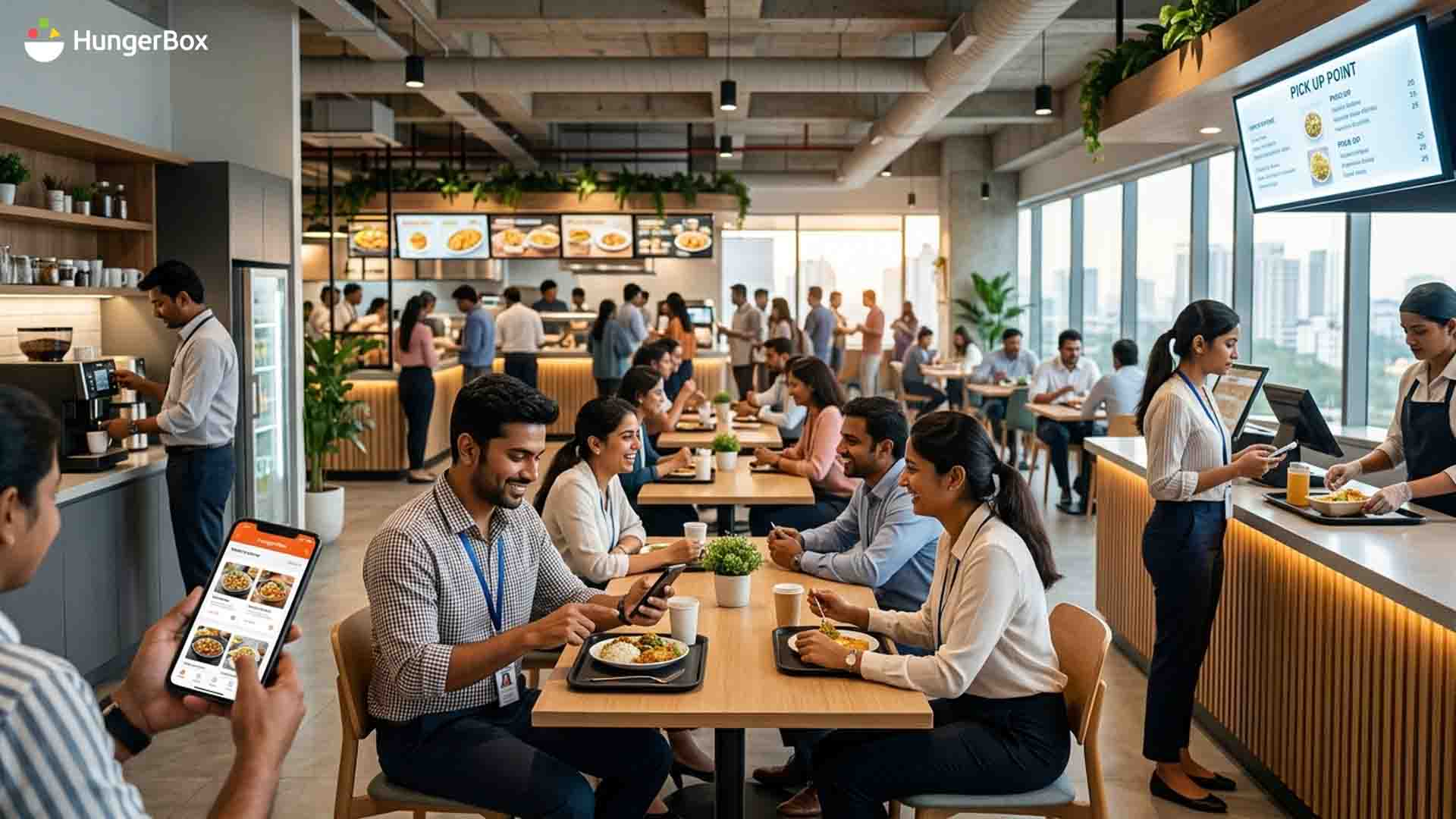
An office cafeteria is a staffed dining space that serves cooked meals on a set menu, usually through one vendor or a small group of counters. It suits offices of roughly 100 to 1,500 people, where enough employees eat at the same time to justify a kitchen, a vendor contract and a billing system.
What separates it from a pantry is accountability. Someone owns the menu, the hygiene standards and the cost per meal, which means you can finally measure what lunch costs and who is using it.
Single-vendor vs multi-counter cafeterias
A single-vendor cafeteria has one caterer running one kitchen, with a daily menu of two or three rotating mains. It is the simplest model to manage and works well from about 100 to 500 people.
A multi-counter cafeteria splits the load across separate stations, such as a north Indian counter, a south Indian counter, a grill and a salad bar. It gives people real choice and spreads the queue, but each counter needs its own inventory and billing. It becomes the better model somewhere between 500 and 1,500 people.
What it takes to run one
- Kitchen space with the right ventilation, water and storage
- A caterer or vendor contract with clear service standards
- Food safety licences and regular hygiene audits
- Menu planning, including rules for any meal subsidy
- A reliable way to take orders, bill employees and reconcile vendor payments
That last item is where most offices underestimate the work. Once volumes pass a few hundred meals a day, spreadsheets and cash counters fall behind, and dedicated corporate cafeteria management tools are worth a serious look.
What Is an Office Food Court?
An office food court is a shared dining area where several independent vendors or food brands run their own counters under one roof. It makes sense above roughly 1,500 people, or when several companies share one campus, because a single kitchen can't serve that many tastes, diets and lunch breaks at once.
Think of it as a managed marketplace. The facility team sets the rules, and the vendors compete on quality, price and speed.
The multi-vendor model
Each vendor runs its own menu, staff and counter, and pays the facility through rent or a revenue share. Employees get genuine variety, and you can rotate underperforming vendors out without rebuilding the kitchen. The trade-off is coordination: someone has to set hygiene and service standards, settle payments across vendors, and keep the mix of cuisines balanced. If you want a closer look at how this works day to day, our guide to office food court management covers it in depth.
Why food courts suit multi-tenant tech parks
On a shared campus, no single employer controls the dining room. Each company has its own meal benefits, its own subsidy rules and its own shift patterns, yet all their people converge on the same counters at the same time. A food court handles that mix better than any one-kitchen model, provided billing can tie each meal back to the right employer. That is why tech parks and malls tend to land on the food court format as they grow.
Pantry vs Office Cafeteria vs Food Court: Side-by-Side Comparison
The three setups differ mainly in how many people they can feed at once and how much management they need. A pantry handles snacks for under 100 people, an office cafeteria serves cooked meals to roughly 100 to 1,500, and a food court spreads choice across several vendors for 1,500 or more.
| Factor | Pantry | Office cafeteria | Food Court |
| Typical headcount | Under 100 | 100 to 1,500 | 1,500+ or a multi-tenant campus |
| Food offered | Beverages, packaged snacks, fruit | Cooked meals on a set menu, plus snacks | Multiple cuisines and brands |
| Who runs it | Admin or facilities team | One caterer, or a few counters | Several independent vendors |
| Staffing | Restocking only | Kitchen and counter staff | Vendor staff plus a coordinator |
| Setup effort | Low | Medium: kitchen, licences, vendor contract | High: layout, vendor onboarding, shared billing |
| Management load | Minimal | Moderate | High |
| Technology need | Optional | Ordering, billing and subsidy tracking |
Unified payments, vendor settlement, live reporting |
| Best for | Small team and startups | Mid-size and single-site offices |
Large campuses and tech parks |
The headcount ranges are guidance, not rules. Shift patterns, hybrid attendance and how many people eat on site every day can move the right answer up or down a band.
Which Setup Does Your Office Size Need?
Match the setup to your on-site headcount, not your total headcount: under 100 people, a pantry; 100 to 500, a single-vendor office cafeteria; 500 to 1,500, a multi-counter cafeteria; and 1,500 or more, or any shared campus, a food court. Treat these as starting points, then adjust for shifts and hybrid days.
Up to 100 employees
A well-stocked pantry does the job. If people want a proper lunch, a catered meal on set days or a tie-up with a nearby restaurant is cheaper and simpler than building a kitchen for a few dozen diners.
100 to 500 employees
This is where a single-vendor office cafeteria earns its place. One kitchen, two or three rotating mains and a basic ordering and billing system cover most needs. Watch the lunch window as you near 300 on-site: if everyone eats between 12:30 and 1:30, the queue becomes the first complaint.
500 to 1,500 employees
Switch to a multi-counter cafeteria. Separate stations spread the crowd, widen the menu and let you serve different diets without a single overworked kitchen. Plan counter capacity around the peak hour, not the daily average.
1,500+ employees or multi-tenant campuses
A food court is the better fit here. Multiple vendors give you variety at scale, and a shared billing layer lets each employer apply its own meal benefits. If your attendance is heavily hybrid, size on average daily footfall rather than the number on the payroll, since a 1,500-person company may behave like a 900-person one on most days.
What Changes as You Scale Up?
Three things break first when an office outgrows its dining setup: lunch queues, hidden costs, and visibility. Queues grow because everyone eats in the same hour, costs leak through subsidies and unbilled meals, and managers lose track of what's actually selling.
None of these show up on the day you open. They build slowly, which is why it pays to read up on what breaks when cafeterias scale before you pick a format.
Lunch-hour queues
Most of the day's demand lands in about an hour. A setup that feeds 200 people comfortably over three hours can fail when 200 people arrive within sixty minutes. Adding counters helps, and so does pre-ordering, but the root problem is the peak. We unpack the fixes in our piece on the 60-minute lunch rush.
Hidden costs and subsidy leakage
The cost of an office cafeteria is rarely just the vendor invoice. Overproduction, unbilled meals and subsidies applied without checks all add up, and none of them are visible without data. If you're budgeting for a switch, read about the hidden costs of running an office cafeteria first.
Why the tech layer matters
Beyond a few hundred diners, manual billing and paper menus stop working. The tools you need are an ordering app for employees, a point-of-sale system for counters, and a dashboard for sales and vendor performance. HungerBox's product suite, for example, pairs a user app for ordering with a kitchen system for counters and a facility dashboard called Nexus that tracks sales and vendor performance.
How to Choose: 5 Questions to Ask Before You Decide
Answer five questions before you pick: how many people eat on site on an average day, how tightly lunch is packed, whether you subsidise meals, how many cuisines and diets you need to cover, and who will manage the operation. Your answers usually point to one setup.
- How many people are on site on a typical day? Use average daily attendance, not payroll. In a hybrid office the gap can be large.
- How compressed is your lunch hour? If most people eat in the same 60 minutes, you need more counters than the headcount alone suggests.
- Do you subsidise meals? A subsidy needs tracking by employee. If you offer one, you'll want a billing system whatever the size of the room.
- How varied are your people's food needs? Several regions, diets and shift patterns push you toward multiple counters or vendors.
- Who will run it? A pantry needs a part-time owner. A cafeteria needs a caterer and an internal contact. A food court needs a coordinator with real authority over vendors.
Conclusion: Pick the Setup That Fits Your Headcount
The right dining setup is the one your people stop noticing. A pantry works under about 100 on-site employees, an office cafeteria carries you from roughly 100 to 1,500, and a food court takes over beyond that or on a shared campus. Size it on the people who actually turn up, plan for the lunch peak, and put billing and reporting in place before the queues force the issue.
If you're weighing these options for a specific site, talk to the HungerBox team and get a view based on your own headcount and shift pattern.

Frequestly Asked Questions

About 100 on-site employees is a practical starting point. Below that, a pantry plus occasional catered lunches usually costs less and is easier to run. Above 100, enough people want a hot lunch at the same time to justify a kitchen, a vendor contract and a billing system. Use average daily attendance, not total headcount, especially in hybrid offices.
Usually, yes. A pantry needs stock and a restocking routine, with no kitchen, vendor contract or counter staff. An office cafeteria costs more to set up and run, but it feeds far more people a full meal, and you can track and control meal subsidies. Cost per employee depends on how many people actually use it.
A cafeteria is usually run by one caterer or a small set of counters under a single contract. A food court houses several independent vendors, each with its own menu and counter, under shared rules. The food court offers more variety but needs more coordination, vendor settlement and shared billing.
Yes, if you size it on average daily attendance rather than total headcount and plan production around it. Attendance in hybrid offices swings from day to day, so demand forecasting and pre-ordering matter more. They stop the kitchen from over-cooking on quiet days and running short on busy ones.
Yes. Many offices start with a pantry and add a single-vendor cafeteria once headcount passes about 100. Plan for it early: reserve space with ventilation and a water connection, and choose ordering and billing tools that can grow from one counter to several later.