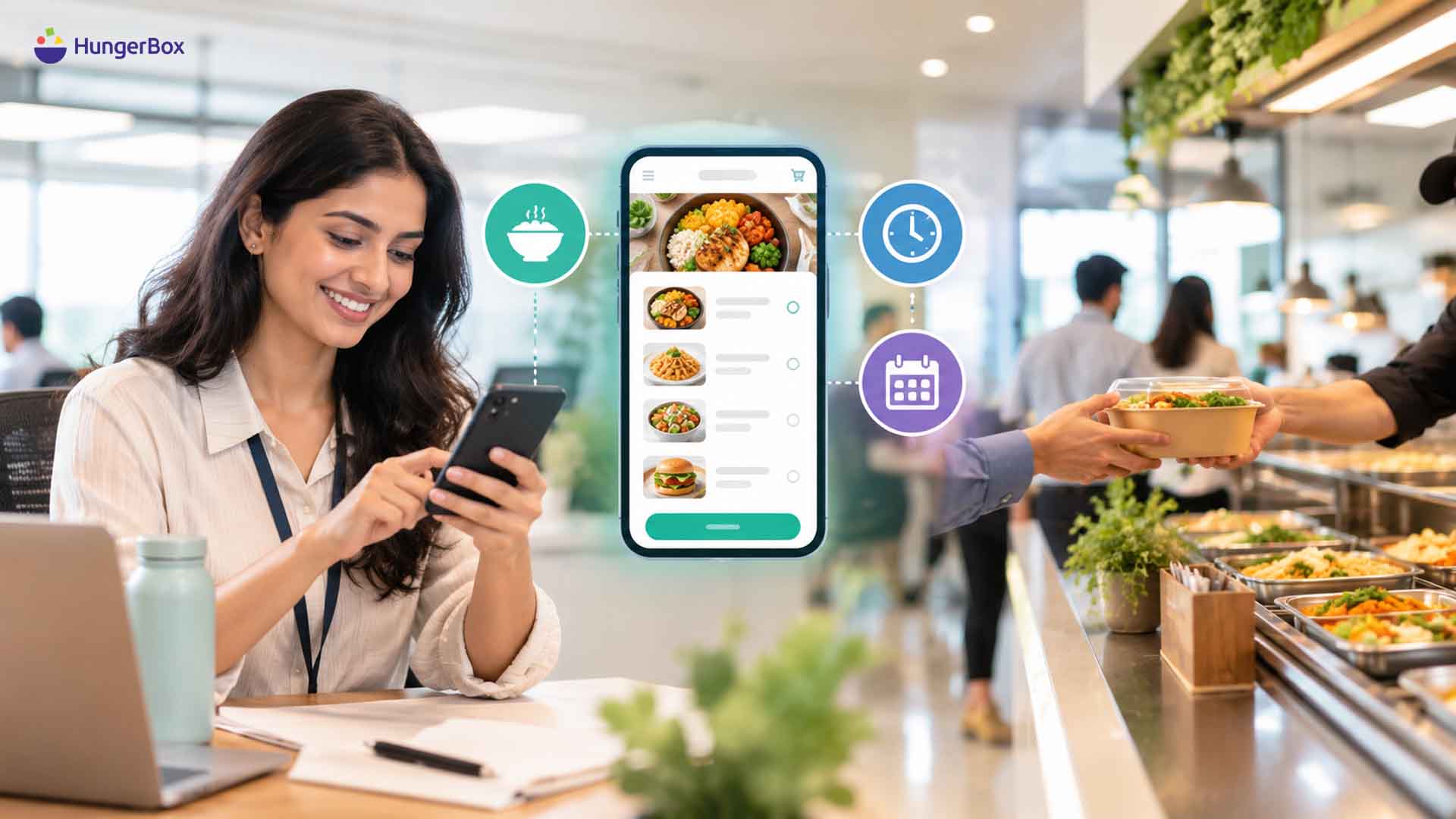
Canteen App for Employees: What a Good One Does
A good canteen app lets employees pre-order from every counter, pay with their meal benefit and skip the queue. It also gives the kitchen live orders and gives facility heads real-time data. If an app only shows a menu and takes payment, it's a menu app, not a canteen app.
Most buying decisions go wrong at this point. A vendor demo shows a clean ordering screen, and the team signs off. Six months later, the kitchen is still writing tickets by hand, HR can't see who's using the meal benefit, and employees are back in the lunch queue.
This guide is for facility heads, HR managers and admin teams choosing or replacing a canteen app for employees. It covers what the app should do for three groups: the people eating, the people cooking and the people managing the contract. You'll also get a nine-point checklist you can take into any vendor meeting, plus six questions that expose weak products quickly. Treat it as a buyer's tool, not a feature tour.
Employees eat lunch at work roughly 240 times a year, according to HungerBox's own analysis of cafeteria adoption. That's 240 chances for the experience to win them over or push them to a delivery app. The right canteen app decides which one happens.
Key takeaways
- A canteen app has three users: the employee, the kitchen and the facility manager. A good one serves all three.
- The employee side must cover pre-ordering, live counter status, one payment across counters and meal-benefit spend.
- The kitchen side must show live orders, let counters change menus and prices, and handle invoicing.
- The management side must show sales, vendor performance and feedback in real time.
- Check security, offline use and rollout effort before you sign.
What is a canteen app?
A canteen app is software that lets employees view the menu, order, pay and collect food at a workplace canteen from their phone, a kiosk or a card. It also connects to the kitchen, so orders reach the counters, and to the facility team, so sales and feedback are visible.
The word "app" misleads buyers. The phone screen is the smallest part of the system. Behind it sit kitchen screens, menu and price controls, billing and reporting. A canteen app that doesn't connect all of these just moves the queue from the counter to the phone.
What should a good canteen app do for employees?
A good canteen app should let employees see which counters are open, pre-order, pay once for items from several counters and collect without queuing. It should also let them spend their meal benefit and leave feedback in the same place.
Here's what to look for on the employee side.
Pre-ordering and live counter status
Employees should be able to order before they leave their desk and see when the food is ready. HungerBox's user app lets people pre-order from multiple counters, see which counters are live and track when an order is ready. Its corporate offering also supports pre-ordering breakfast the evening before.
Pre-ordering helps the kitchen as much as the employee. When orders arrive in advance, the kitchen knows how many portions to prepare.
One checkout across counters
A 400-person office usually has several counters: a north Indian counter, a south Indian counter, a salad bar, a beverage station. If an employee has to pay at each one, the queue returns. A good app lets people add items from different counters and pay in a single transaction.
More than one way to order
Not every employee wants to open an app. HungerBox lists ordering through the mobile app, a web app, self-ordering kiosks, QR codes and tap ordering with existing access cards. Ask any vendor which of these they support. Factory floors and shared devices often need kiosks or cards, not phones.
Meal-benefit spend
Many Indian employers give a meal benefit through cards or subsidies. The app should let employees spend it without carrying a second card or doing sums at the counter. HungerBox integrates with Sodexo and Zeta meal cards, so employees can spend their food allowance in the app. For a refresher on the tax side, read our guide to the ₹200 per meal rule.
Dietary information and accessibility
Employees with allergies or dietary rules need to see what's in a dish before they order. That depends on how the canteen tags its food. Read how allergen and nutrition tagging gets implemented before you promise this to your team. HungerBox's user app also includes voice-enabled accessibility for visually impaired users.
Feedback in the same place
An app should let employees rate a meal right after eating it. Ratings are only useful if someone acts on them. HungerBox says 1 or 2 star ratings automatically create support tickets, which means a bad meal reaches someone who can fix it.
What does the canteen team need from the app?
The kitchen needs live orders, control over menus and prices, and clean billing. If the app only serves employees, kitchen staff end up re-typing orders or working from paper, and errors follow.
Look for these features on the kitchen side:
- Live order screens. Orders should appear on the counter screen as they're placed. HungerBox's kitchen system processes orders first in, first out (FIFO), which keeps service fair at peak time.
- Menu, price and availability control. Counters should be able to mark an item as sold out or change a price without calling IT.
- Inventory and sales dashboards. Counters should see what's selling. This is how a kitchen stops over-cooking.
- Digital invoicing. Vendors get paid on invoices. HungerBox's kitchen system offers paperless invoicing with automated reconciliation, and its partner app shows invoice payment status in real time.
What should facility managers and HR see?
Facility managers and HR should see real-time sales, user engagement, vendor performance and employee feedback. They should also control who gets which meal benefit and who can access the app.
This is the layer most buyers forget. Without it, you're paying for a canteen and flying blind. HungerBox's NEXUS dashboard tracks sales, engagement and vendor performance in real time, and shows vendor ratings and user feedback. It also lets managers configure meal benefits, including meal cards and free or subsidised meals by role, and control access by verified company domain or self-signup.
On the benefit side, HungerBox supports per-employee meal entitlements by grade or employment tier. It also offers a Pay Later option for payroll-deduction models. If your company runs a subsidy, ask any vendor how entitlements work before you sign.
Compliance and food safety
The app should support compliance, not sit apart from it. HungerBox's corporate page mentions FSSAI compliance tracking and a Menu Performance Advisor. It also says vendors must score above 65% in an induction audit before onboarding. Ask every vendor what their equivalent is.
The 9-feature canteen app checklist
Use this table in your next vendor meeting. Score each feature as present, partial or missing.
|
|
Feature |
Who it helps |
What to ask a vendor |
|
1 |
Pre-ordering and ready-time tracking |
Employee |
Can people order the evening before? |
|
2 |
Live counter status |
Employee |
Does the app show which counters are open? |
|
3 |
One payment across counters |
Employee |
Can one cart hold items from several counters? |
|
4 |
Meal-benefit and card spend |
Employee, HR |
Which meal cards do you integrate with? |
|
5 |
Multiple ordering channels |
Employee |
Do you support kiosks, QR and access-card tap? |
|
6 |
Live kitchen order screens |
Kitchen |
Is order handling first in, first out? |
|
7 |
Menu, price and stock control |
Kitchen |
Can counters edit these without IT? |
|
8 |
Real-time dashboards and ratings |
Facility, HR |
What do I see daily, and who gets alerts? |
|
9 |
Security and compliance |
Everyone |
What certifications can you show? |
How is a canteen app different from a payment or meal-card app?
A meal-card or payment app moves money. A canteen app runs the meal from order to kitchen to collection to report. A card or wallet is one way to pay inside a canteen app, but it doesn't replace the app.
The confusion is common because employees see the payment step most clearly. Remember that the card or wallet doesn't tell the kitchen what to cook, doesn't show counters which items are selling and doesn't tell HR whether the cafeteria is working. If your canteen is run by a vendor, you need the operational layer, not just the payment layer.
How do you choose a canteen app? Six questions to ask
Ask these six questions in every demo. They separate full platforms from thin ordering screens.
- Who uses it, and what does each user see? Ask for a demo of the employee, kitchen and manager views, not just the employee screen.
- How do orders reach the kitchen? Ask to see live order screens and how they handle a lunch rush.
- What if the network drops? HungerBox lists an offline mode called HungerBox Lite. Ask any vendor what happens when connectivity fails.
- How is data protected? HungerBox says its apps are penetration-tested and lists certifications including ISO 27001, SOC 2 and PCI DSS on its corporate page. Ask any vendor for current certificates.
- How long does rollout take, and who runs it? Find out whether the vendor trains kitchen staff and supports launch day.
- How do you measure adoption? Total orders hide drop-off. A better measure is unique users and repeat rate, as explained in why employees stop using office cafeterias.
If a vendor can't answer two or more of these clearly, keep looking.
Conclusion: pick the app that runs the whole meal
A canteen app earns its cost when it serves the employee, the kitchen and the facility team together. Use the checklist above, ask the six questions and insist on seeing all three views before you sign.
To see how this works across a full cafeteria programme, read why HungerBox, or talk to the HungerBox team about your site.

Frequestly Asked Questions

A canteen app for employees is software that lets staff view menus, pre-order, pay and collect food at a workplace canteen. It also connects to kitchen screens and management dashboards, so orders reach counters and facility teams can see sales, feedback and vendor performance in one place.
It lets employees order before they reach the counter and pay in advance, so they collect food instead of waiting to order. Kitchens also get orders earlier, which helps them prepare the right number of portions. Kiosks, QR codes and card-tap ordering give employees without phones the same speed.
Yes, if it integrates with them. HungerBox, for example, integrates with Sodexo and Zeta meal cards and supports meal entitlements by grade. It also offers a Pay Later option for payroll-deduction models. Always confirm which card providers and subsidy rules a vendor supports before you commit.
It can, but check the ordering channels. Shop-floor teams often don’t use phones at work, so kiosks, QR codes or access-card tap ordering matter more. Ask about shift-wise menus and peak-hour handling too. HungerBox offers a manufacturing cafeteria solution.
Check that it serves employees, kitchen staff and facility managers, not only diners. Then verify meal-benefit support, offline behaviour, security certificates, rollout support and how adoption is measured. Use the nine-feature checklist in this guide to score each vendor on the same basis.