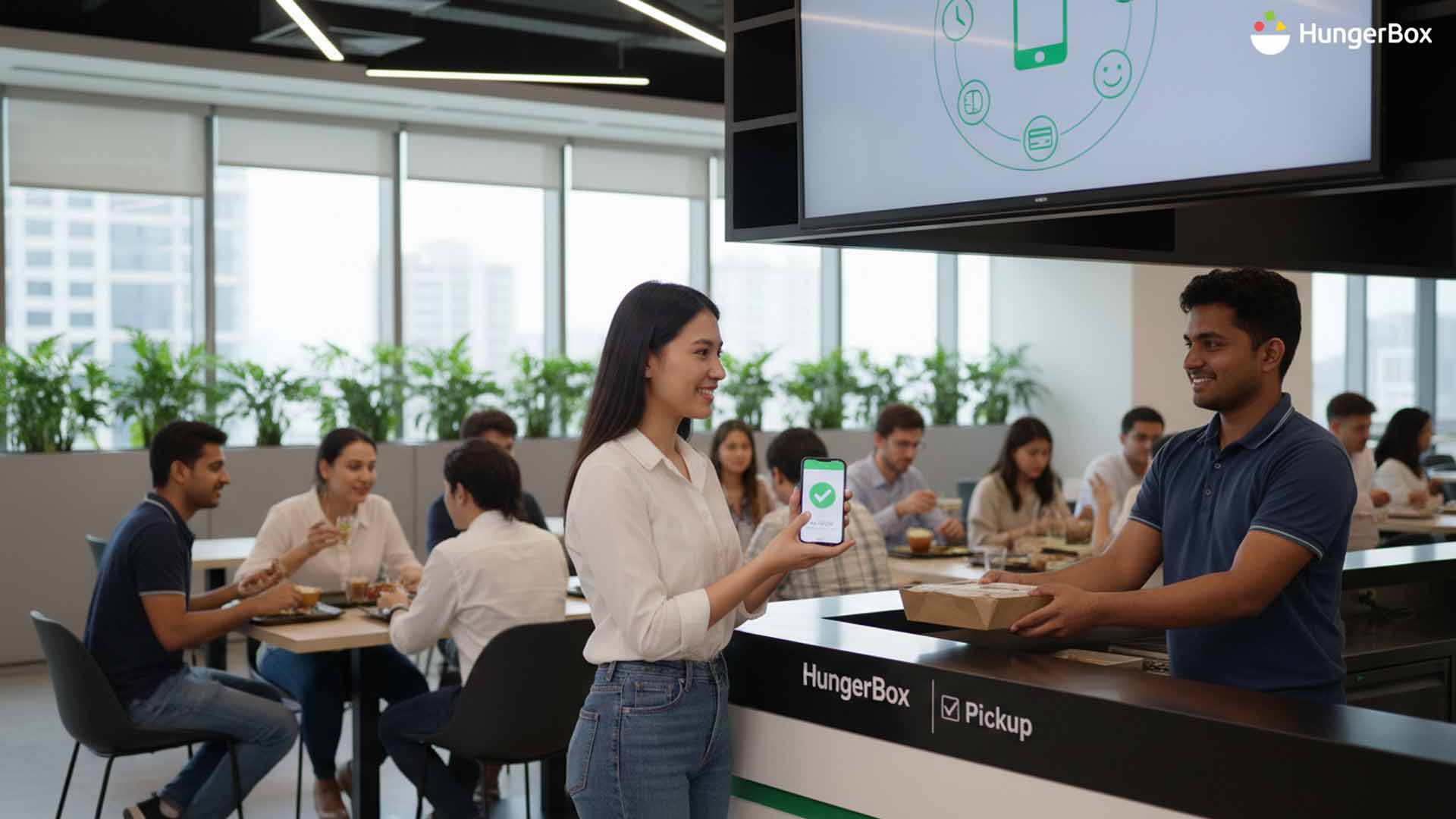
Which Office Cafeteria Software Features Deliver the Most Value for Modern Workplaces
The modern workplace has changed. Hybrid work, flexible schedules, and higher employee expectations have made traditional cafeteria setups outdated. Long queues, manual billing, and limited food visibility no longer work in fast-moving offices.
This is why many organizations are now investing in office cafeteria software. But not all tools deliver the same value. The real impact comes from choosing the right features—ones that improve daily lunch experience, simplify management, and support productivity.
This blog breaks down the most valuable office cafeteria software features and explains why they matter for today’s workplaces.
Why Offices Need Smarter Cafeteria Software
Food services affect employees every single day. When lunch is slow or stressful, it impacts energy, mood, and focus. A modern office cafeteria management system removes friction from lunch hours and turns food into a smooth part of the workday.
For employers, the right corporate cafeteria software also brings better cost control, planning, and visibility.
Core Features That Deliver Real Value
Digital Ordering and Pre-Booking
One of the most important features is digital ordering. With office food ordering software, employees can:
- View menus in advance
- Place orders before peak hours
- Pick food at a chosen time
This reduces queues and saves time during lunch breaks. It also helps vendors prepare meals more accurately.
A strong digital cafeteria software for offices ensures lunch is quick, predictable, and stress-free.
Centralized Dashboard for Admin Teams
Managing cafeterias manually across teams or locations is complex. A centralized cafeteria software for companies brings everything into one place.
Admins can track:
- Daily meal counts
- Vendor performance
- Food costs and subsidies
- Employee feedback
This feature turns cafeteria management from guesswork into a data-backed process.
Multi-Vendor Management
Most offices work with more than one food vendor. A good office canteen management software allows easy onboarding and monitoring of multiple vendors under one system.
This improves accountability and service quality without extra admin effort.
Employee-Focused Features That Improve Experience
Clear Menus and Meal Transparency
Employees want to know what they are eating before standing in line. A reliable employee meal management software shows live menus and availability.
This clarity improves satisfaction and avoids last-minute confusion at counters.
Cashless Payments and Subsidy Control
Manual cash handling slows things down. Modern corporate dining software solution supports:
- Digital payments
- Meal wallets
- Company subsidies
This makes transactions fast and error-free, while giving finance teams better control.
Features That Improve Planning and Reduce Waste
Usage Reports and Food Planning
One of the biggest benefits of workplace food service software is access to real usage data. Reports help teams understand:
- Peak lunch hours
- Popular dishes
- Daily consumption patterns
This helps vendors cook the right quantity and reduce food waste.
Better Cost Control
With clear data, companies can control cafeteria budgets without cutting quality. This is where a smart cafeteria software for workplace adds long-term value.
Why Integration Matters in Modern Offices
Works Well with Hybrid Work Models
Hybrid work has made food demand unpredictable. A flexible office cafeteria management system adjusts planning based on real attendance instead of fixed assumptions.
This keeps food services efficient even when office footfall changes daily.
Scalable for Growing Companies
As teams grow or new locations open, cafeteria systems must scale easily. A strong corporate cafeteria software supports expansion without major changes to process.
Connecting Cafeteria Software to Productivity
When lunch is smooth, employees return to work on time and with better focus. Over time, this improves:
- Daily productivity
- Employee satisfaction
- Workplace culture
Food services stop being a problem and start supporting business goals.
Choosing the Right Office Cafeteria Software Partner
The best software combines ease of use, strong reporting, and employee-friendly design. Platforms like HungerBox focus on delivering value to both employees and admin teams at scale.
Choosing the right partner ensures long-term success, not just short-term fixes.
If your cafeteria still relies on manual processes, it may be costing more time and effort than you think.
CONTACT US to discuss your office cafeteria needs
SCHEDULE DEMO to see how modern cafeteria software works in real time
Frequestly Asked Questions

It is a digital system that manages food ordering, payments, vendors, and reporting for office cafeterias.
Digital ordering and centralized reporting deliver the highest value for both employees and admins.
Yes. Real usage data helps vendors prepare accurate quantities.
Yes. It adapts food planning based on real attendance and demand.
Implementation time depends on office size, but most systems can be set up quickly.